
Business Phone Systems in Jamaica: A 2026 Buyer's Guide
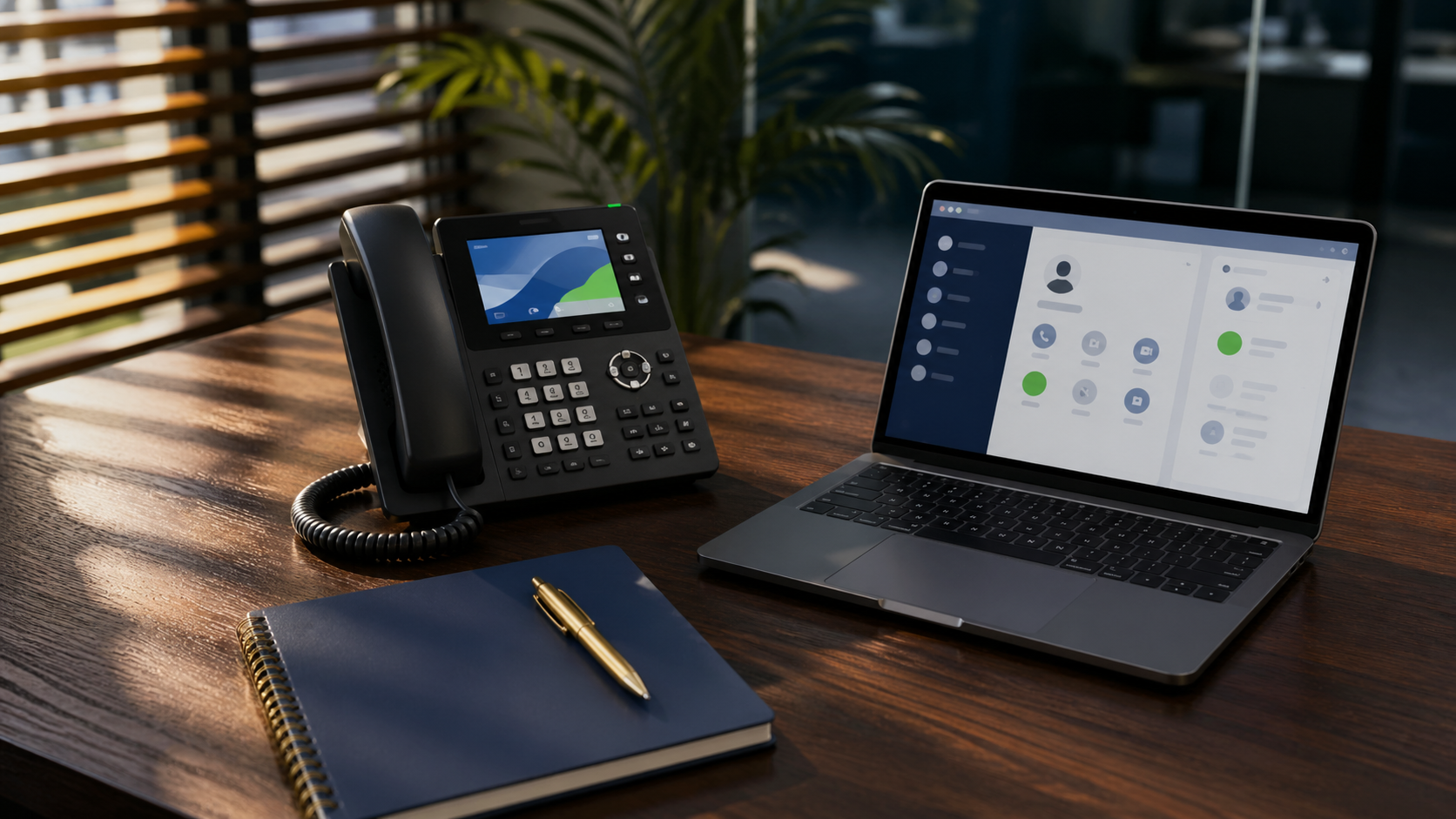
A business phone system is the platform that handles every call, voicemail, and message your company sends or receives. For Jamaican small and mid-sized businesses, the choice in 2026 is more consequential than it was five years ago, because the phone system has become the backbone of how teams communicate with customers, suppliers, and each other. Pick the wrong platform and you spend the next three years working around it. Pick the right one and most of your communications problems quietly disappear.
This guide covers the three categories on the market right now, what they cost in Jamaica specifically, the Flow versus Digicel question, and the questions to ask any provider before signing.
The Three Categories
Legacy landlines. Copper analog lines from Flow, billed per line, billed per minute on long-distance, no integration with anything else your business uses. Still works, still common in Jamaica, increasingly expensive relative to what you get. If you have more than five lines on legacy copper, you are almost certainly overpaying.
On-premise PBX. A physical phone system installed in your office, typically a Yeastar, Grandstream, or 3CX appliance, connected to the outside world through SIP trunks from a carrier. Lower monthly cost than cloud PBX once you own the hardware. Higher upfront cost, and the box sits in your server room, so when power goes out, your phones go out with it unless you have backup.
Cloud PBX. The phone system runs in a data centre, your phones and softphone apps connect to it over the internet. No hardware in your office beyond the handsets. Per-user pricing, predictable monthly bill, every feature included, scales with you. This is what most new deployments look like in 2026, and it is what we recommend for the vast majority of Jamaican businesses under 100 employees.
There is also a fourth category some providers will pitch: hosted PBX on a single carrier's platform, locked to that carrier's SIP service. We mention it only to flag it. These deals look cheap on day one and become very expensive on day 365 when you want to switch.
What It Actually Costs in Jamaica
Numbers vary by provider and feature set, but here is a realistic 2026 range for a 15-user Kingston business.
Cloud PBX: roughly J$3,500 to J$5,500 per user per month, all-in, including the platform licence, SIP trunking, mobile and desktop apps, voicemail-to-email, auto-attendant, and basic call recording. Hardware handsets are extra, usually J$15,000 to J$35,000 per phone depending on the model. Yealink T31G and T34W are common starter handsets in this market.
On-premise PBX: roughly J$400,000 to J$900,000 upfront for the appliance, installation, and configuration, then J$15,000 to J$40,000 per month in SIP trunking depending on call volume. Add maintenance and software assurance contracts on top, typically 15 to 20 percent of the appliance cost annually.
Legacy landlines: J$3,000 to J$7,000 per line per month from Flow, plus per-minute charges that add up fast on long-distance. A 15-line setup easily clears J$80,000 a month before you have made a single international call.
The math is straightforward. Cloud PBX wins on three- and five-year total cost for almost every business under 50 users. On-premise wins for businesses over 75 users with a stable headcount, predictable usage, and an internal IT team that can maintain the appliance. Legacy landlines do not win for anyone in 2026 except the carriers selling them.
The Flow vs Digicel Question
Both Flow and Digicel sell SIP trunking and business voice services. Both work. Neither is the obviously correct answer for every business.
Flow has the deeper fibre footprint in Kingston business districts and tends to be the default for buildings with existing Flow infrastructure. Digicel has stronger mobile integration and often better pricing on bundled internet plus voice.
The honest answer is that for most cloud PBX deployments, the carrier matters less than the connection. Cloud PBX runs over your internet connection, which means your call quality depends on your bandwidth, latency, and jitter, not on which logo is on the bill. What we recommend for any business serious about call quality is a dedicated business internet connection with a service-level agreement from one carrier and a failover connection from the other. When your primary carrier has an outage, and they will, your phones keep working.
For SIP trunking on an on-premise PBX, Flow's SIP service is currently more mature and has caused fewer escalations in our experience. Digicel is catching up. Either works. The configuration matters more than the brand.
Features That Actually Matter
Every cloud PBX provider lists 50 features on their brochure. Most do not matter. These are the ones that do.
Auto-attendant and IVR. The "press 1 for sales, press 2 for support" menu. Every business should have this. It is table stakes. If a provider charges extra for it, walk away.
Mobile and desktop softphone apps. Your team should be able to take business calls on their mobile without giving out their personal number, and on their laptop when they are working from home. This is non-negotiable in 2026.
Voicemail-to-email. Voicemails arrive in your inbox as audio files with text transcription. Saves hours every week and means missed calls actually get returned.
Call recording. Useful for sales coaching, customer service quality, and dispute resolution. Make sure the recording storage is included or clearly priced. Some providers charge per minute of stored recording, which gets expensive.
Hunt groups and call queues. When a customer calls your support line, the system rings every available agent or queues the caller with on-hold music until someone is free. Critical if you have any inbound volume.
CRM and helpdesk integration. When a known customer calls, their record pops up on the agent's screen. Cuts call handling time and makes your team look competent. Look for native integrations with the tools you already use.
Conference calling. Built in, no extra licence, no Zoom required for internal meetings.
What you do not need on day one: AI call summarisation, sentiment analysis, vanity phone numbers, fax-to-email (unless you are in healthcare or legal), advanced analytics dashboards. These are real features. They are also features you can add later. Do not let a provider upsell you on day one.
Questions to Ask Before Signing
Bring this list to every vendor meeting.
- What is your platform, and who owns it? If they are reselling someone else's platform, you need to know whose, because that determines your support path when something breaks.
- What is included in the per-user price, and what is extra? Get this in writing. Not in the proposal. In the contract.
- What is the contract term, and what is the early termination fee? Three-year terms with five-figure exit fees are common and almost never worth signing.
- What happens during a power outage at your data centre? At our office? On the carrier? Real answers, not "we have redundancy."
- Who do I call when something breaks at 7pm on a Saturday? If the answer is a ticketing portal, that is your answer.
- Can I keep my numbers if I leave? The answer should be yes, and the porting process should be free. Anything else is a red flag.
- What is the implementation process, and how long does it take? A 15-user deployment should be live within two to three weeks. Longer than that means the provider is overstretched.
The provider you want is the one whose answers are specific, fast, and unflinching.
What We Do at Systems Rubix Limited
Our Unified Communications service covers cloud PBX, on-premise PBX with Yeastar appliances, Yealink handsets, mobile and desktop apps, and SIP trunking on either Flow or Digicel depending on what works for your location and call patterns. We design the system around how your business actually operates, not around a vendor's pricing tier. Implementation is two to three weeks for a typical SMB. Support is a real engineer on a real phone, not a portal.
If you are evaluating phone systems and want a second opinion on a quote you have already received, or you are starting from scratch and want a clear recommendation, get in touch. We will tell you what we would do, even if the answer is "stay with what you have for now."